
To cop on Nike SNKRS, you need the app installed, your size and payment details saved in advance, and an entry submitted during the Draw window before it closes. Most major releases run through SNKRS Draws rather than first-come, first-served checkout, so being fast isn’t enough; you need to enter correctly before the window closes.
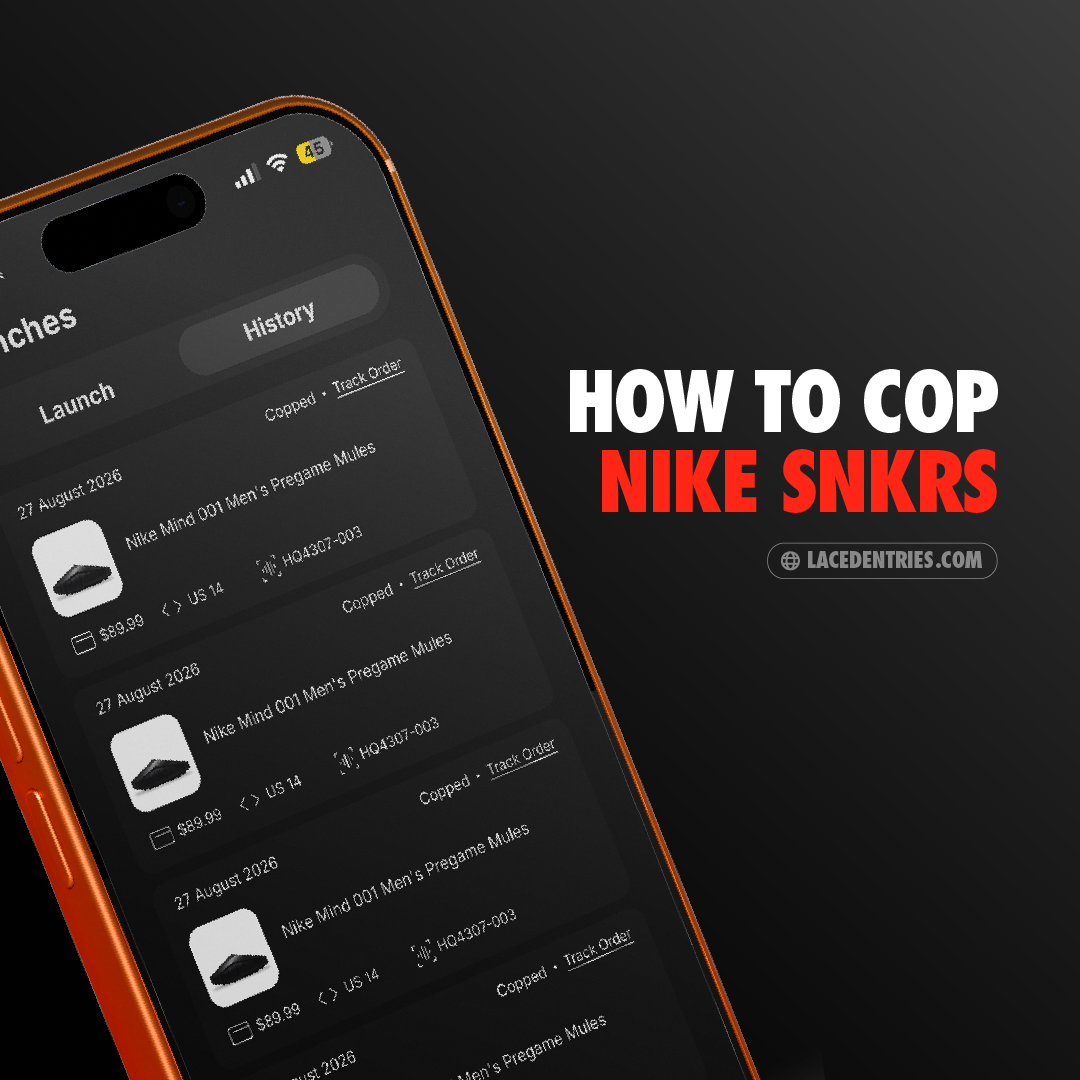
Step 1: Set Up the SNKRS App Properly
Before any drop, make sure your Nike account has:
- Saved shipping address
- Saved payment method
- Correct shoe sizes saved to your profile
This removes friction at the moment a Draw opens, when every extra step costs you time.
Step 2: Understand SNKRS Draws vs. Direct Checkout
Most sought-after releases use a Draw system: you submit an entry during a set window, and winners are selected afterward; it’s not first-come, first-served. Less hyped releases may still use direct checkout, where speed matters more.
Step 3: Know the Draw Window
Draw windows are typically short, often just minutes. Set a reminder ahead of the drop time (usually announced in the app or on Nike’s release calendar), so you’re not opening the app after entries have already closed.
Step 4: Submit Your Entry Correctly
During the Draw window:
- Open the release in the SNKRS app.
- Select your size.
- Submit your entry before the window closes.
- Wait for the results: Nike typically notifies winners within a set period after the Draw closes.
Step 5: Improve Your Odds
Each entry has the same odds as everyone else’s. Tools like Laced work within the Draw process to increase your number of entries, improving your relative odds without requiring proxies, multiple accounts, or bot software that risks violating Nike’s Terms of Service.
Frequently Asked Questions
- Does entering early in the Draw window improve my odds?
- No. Draws are randomized among all valid entries submitted during the window, not first-come-first-served.
- What happens if I miss the Draw window?
- You won’t be entered for that release. Setting a reminder ahead of the announced drop time is the best way to avoid missing it.
- Can I enter a SNKRS Draw more than once per release?
- Not through the standard SNKRS process. This is the specific gap that entry-multiplying tools like Laced are built to address.
- Is using a tool to increase entries against Nike’s rules?
- Laced works within the entry process itself rather than using bots or automated checkout, so it isn’t the same kind of Terms of Service risk that automated bot checkout carries.
